


Roof marker install guide


Thread Starter
|
Senior Member
Joined: Nov 2006
Posts: 1,773
From: Montreal
 Roof marker install guide
Hey guys, I just finished install my roof marker lights, I know that there has been a few threads on this subject, I just wanted add this threadwith step by step instructions to make it easier for some else to do it them selfs and not have to spend the big bucks. It took me about 3 hours to do.
Also, you will see that I only installed 3 out 5 lights, let me know what you think, should I stick with 3 or add 2 more, it's easier to add then plugholes LOL!![8D]
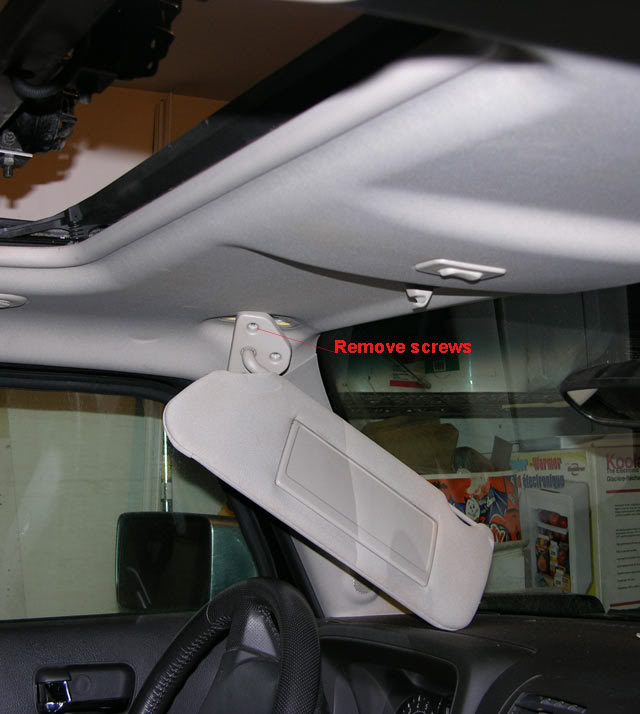
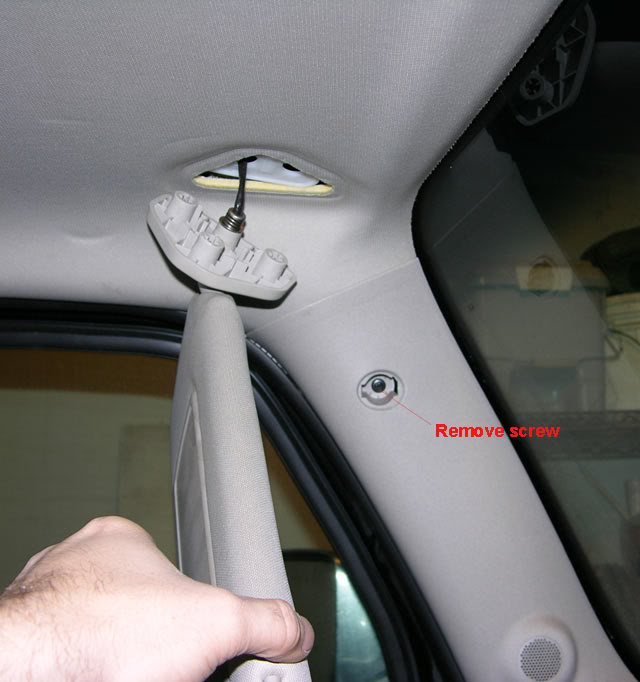
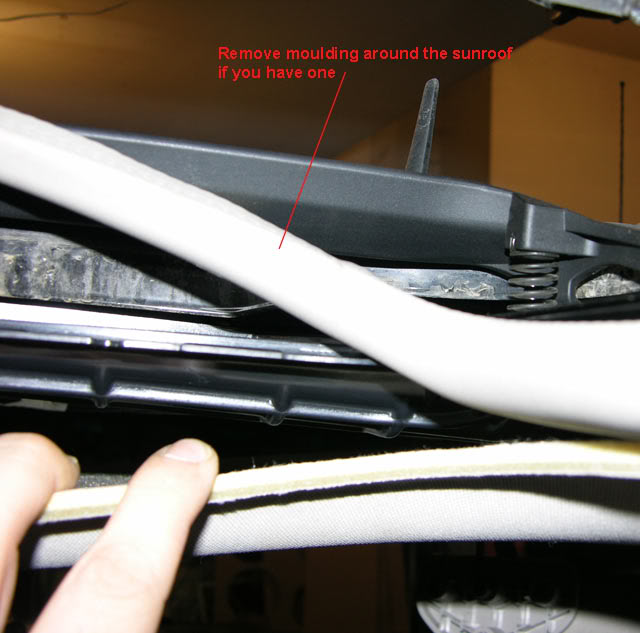
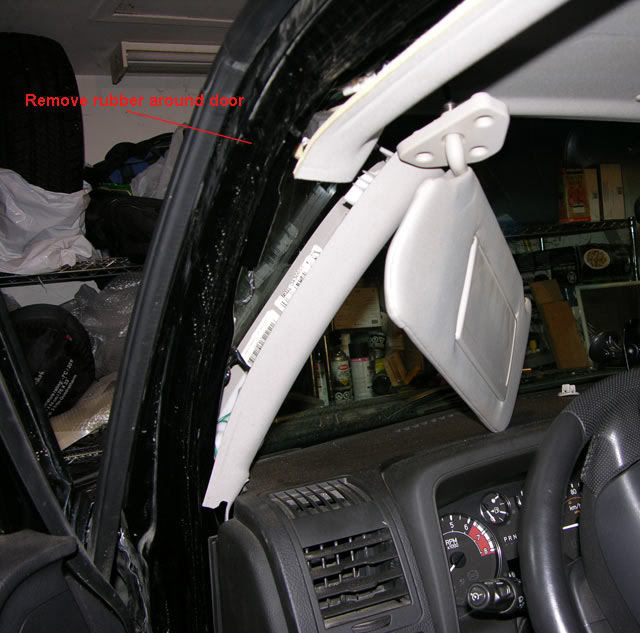
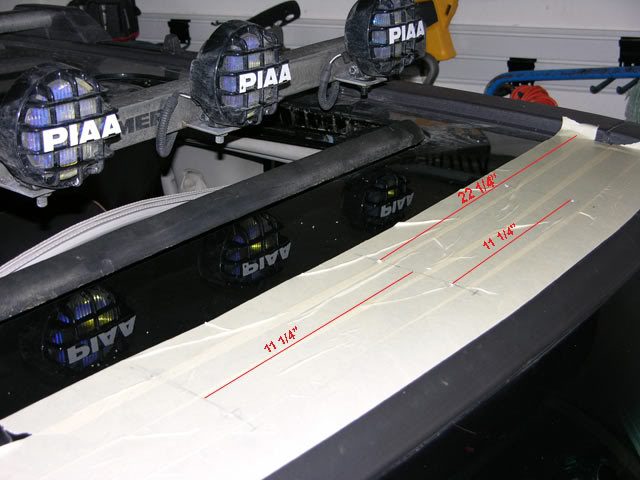
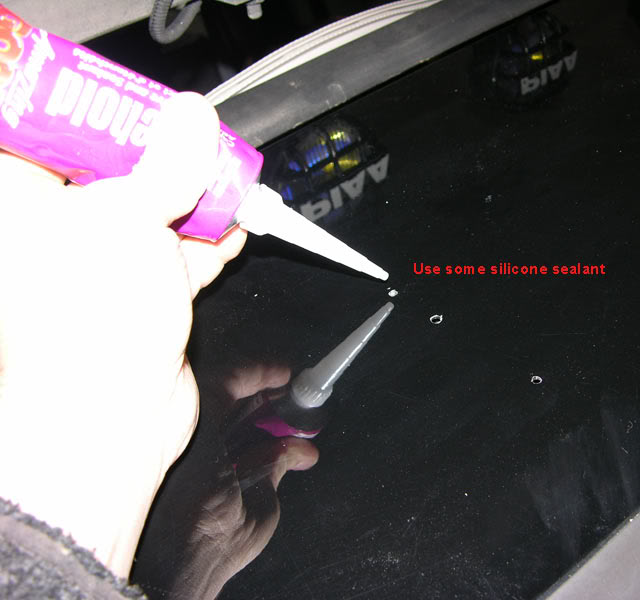
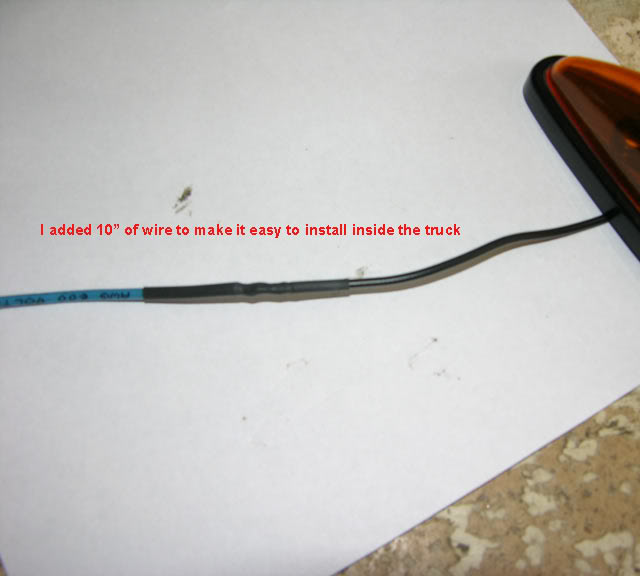
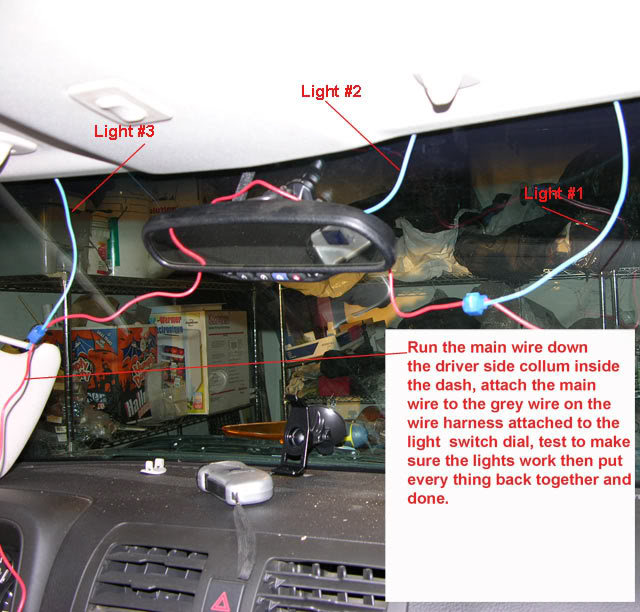
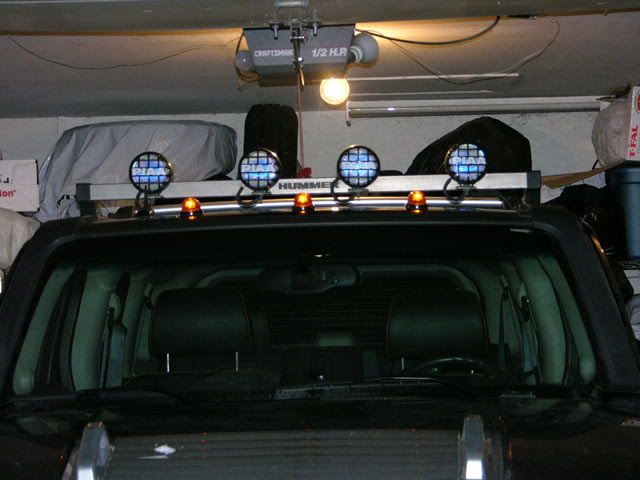
Also, you will see that I only installed 3 out 5 lights, let me know what you think, should I stick with 3 or add 2 more, it's easier to add then plugholes LOL!![8D]

 I'm used to the 5 light look. But yours looks good. Nice pic instructions too.


Senior Member
Joined: Dec 2006
Posts: 2,075
From: North Central Texas
RE: Roof marker install guide
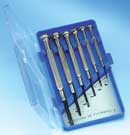
Hey Bear, what did you use to pop the plug out of the inside a-pillar trim without deforming it?
Me and plastic trim pieces don't play well together....hence the question.
Oh yeah....3 look good, but 5 would look better.
Me and plastic trim pieces don't play well together....hence the question.
Oh yeah....3 look good, but 5 would look better.
Senior Member
Joined: Dec 2006
Posts: 2,075
From: North Central Texas
RE: Roof marker install guide
Cool....I've got a set of those.
I'd rather ask than experiment and get some undesirable results....
Thinking about mounting my Scan Gauge II above the rear-view mirror instead of
on the steering column. Hence the need to route a cable under that trim piece.
BTW: If you mount two more lights, are you gonna put 'em on the metal or on the
plastic corner trim?
I'd rather ask than experiment and get some undesirable results....
Thinking about mounting my Scan Gauge II above the rear-view mirror instead of
on the steering column. Hence the need to route a cable under that trim piece.
BTW: If you mount two more lights, are you gonna put 'em on the metal or on the
plastic corner trim?
Thread Starter
|
Senior Member
Joined: Nov 2006
Posts: 1,773
From: Montreal
RE: Roof marker install guide
ORIGINAL: Gunner_45
Cool....I've got a set of those.
I'd rather ask than experiment and get some undesirable results....
Thinking about mounting my Scan Gauge II above the rear-view mirror instead of
on the steering column. Hence the need to route a cable under that trim piece.
BTW: If you mount two more lights, are you gonna put 'em on the metal or on the
plastic corner trim?
Cool....I've got a set of those.
I'd rather ask than experiment and get some undesirable results....
Thinking about mounting my Scan Gauge II above the rear-view mirror instead of
on the steering column. Hence the need to route a cable under that trim piece.
BTW: If you mount two more lights, are you gonna put 'em on the metal or on the
plastic corner trim?
If I do install the 2 other lights I would put them on the plastic corners.
