


Forum...File to BIG


Thread Starter
Joined: Oct 2008
Posts: 58
From:
 Forum...File to BIG
Still awaiting someone to tell me HOW to down size my pics so they will fit on this Forum AND whats the Maximum size aloud....everytime I try to upload a pic OR a gif it tells me FILE TO BIG???? You guys have to remember,,Im 54 yrs old and ONLY been on a puter for a yr or so and I guess Im JUST STUPID when it comes to doing things with a computer OTHER than typing or logging ON...Which I DO have DOWN PAT NOW..LOl

Super Moderator
Joined: Jul 2007
Posts: 13,113
From: Boat Town USA MI
RE: Forum...File to BIG
Search it on the web, join a digital pic forum. 
many ways to do this.
one way, which is fairly easy
open with 'paint' - which is available with all versions of windows
click on 'attributes'
click on 'stretch/skew'
in stretch, you will see a percentage figure. if you change the percentage to anything less than 100% you will be effectively shrinking the image
so if you want it to be half the current height and width, change the horizontal stretch figure to 50 (%) and the same for the vertical
click 'ok'
dont forget to 'save' the picture after you've done the re-size..... and if you call it a different name you will have an original in the normal size and a version which is in the smaller size[/align][/align]Set up an photobucket account, it is free, you can upload your pics and downsize them on their site...............OR[/align]just click the icon on the tool bar for your post.... copy the "direct link" from the photobucket/image hosting sitepic into the blank space for the image url that pops up, you have to allow the pop up from this site, then click "ok". No need to downsize when using an image hosting site. They look like this,[/align][/align]
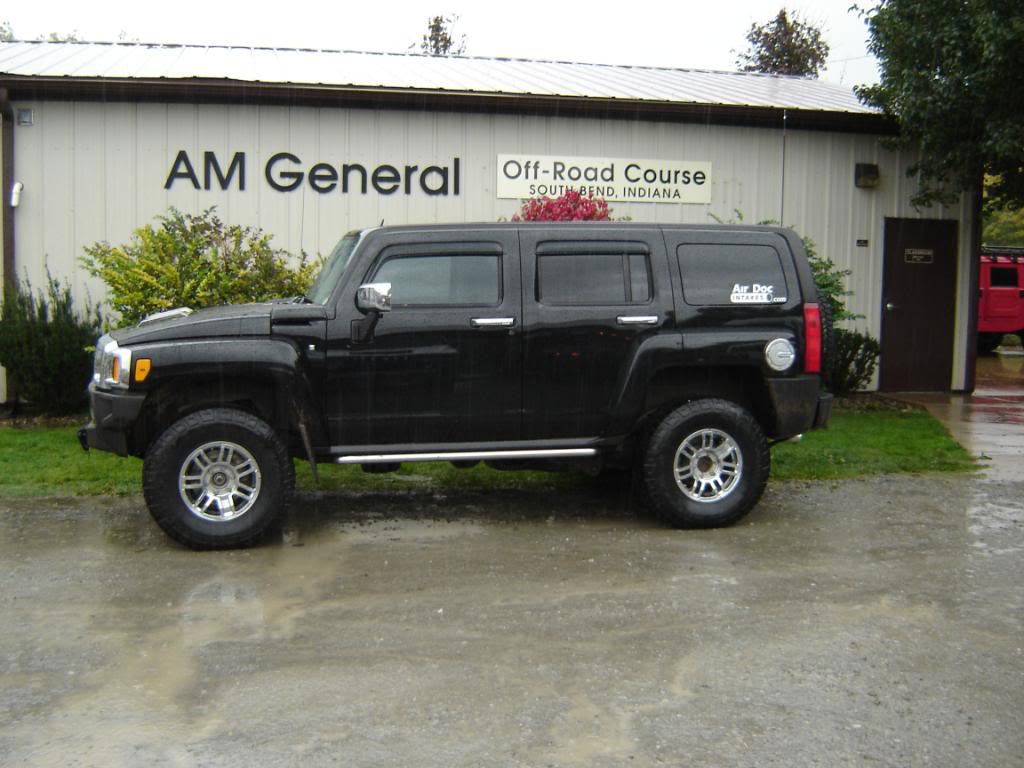 [/align]
many ways to do this.
one way, which is fairly easy
open with 'paint' - which is available with all versions of windows
click on 'attributes'
click on 'stretch/skew'
in stretch, you will see a percentage figure. if you change the percentage to anything less than 100% you will be effectively shrinking the image
so if you want it to be half the current height and width, change the horizontal stretch figure to 50 (%) and the same for the vertical
click 'ok'
dont forget to 'save' the picture after you've done the re-size..... and if you call it a different name you will have an original in the normal size and a version which is in the smaller size[/align][/align]Set up an photobucket account, it is free, you can upload your pics and downsize them on their site...............OR[/align]just click the
icon on the tool bar for your post.... copy the "direct link" from the photobucket/image hosting sitepic into the blank space for the image url that pops up, you have to allow the pop up from this site, then click "ok". No need to downsize when using an image hosting site. They look like this,[/align][/align][/align]

Joined: Oct 2008
Posts: 50
From: La Marque, TX
RE: Forum...File to BIG
I use the Microsoft Image Resizer that can be found here:
http://download.microsoft.com/downlo...ertoySetup.exe
After you install it, you can go to an image, right click it and on the menu that appears, click resize.
http://download.microsoft.com/downlo...ertoySetup.exe
After you install it, you can go to an image, right click it and on the menu that appears, click resize.
Thread Starter
Joined: Oct 2008
Posts: 58
From:
RE: Forum...File to BIG
Thanks guys
But I think Ill have to pass,,,OMG,,that way WAY ABOVE my head EXCEPT the last Hummer4Life posted....Ill try that,,,Sorry,,,,New to this Puter thing..LOL,,I guess You CANT teach an OLE MARINE New tricks,,,
But I think Ill have to pass,,,OMG,,that way WAY ABOVE my head EXCEPT the last Hummer4Life posted....Ill try that,,,Sorry,,,,New to this Puter thing..LOL,,I guess You CANT teach an OLE MARINE New tricks,,,

Thread
Thread Starter
Forum
Replies
Last Post
davyo
PRIVATE For Sale / Trade Classifieds
31
Jan 30, 2008 11:29 AM
azz7772
PRIVATE For Sale / Trade Classifieds
10
Jan 6, 2007 06:36 AM
VIVA LA BETO
PRIVATE For Sale / Trade Classifieds
21
Aug 2, 2006 01:44 AM