When you click on links to various merchants on this site and make a purchase, this can result in this site earning a commission. Affiliate programs and affiliations include, but are not limited to, the eBay Partner Network.
Hummer H2For those who like a little more gleam to their Hummer, the H2 offers a similar rugged look as the H1, but as a lower cost, and with more added features, making it almost a massive luxury SUV.
My 08h2 has been randomly showing a service 4wd and traction control and won’t go into any other 4wd modes usually all I need to do is shut the truck off for a while and then start it again and the service light is gone but it keeps happening more and more and when the service 4wd is on the truck dose drive fine anyone else have this problem or any advice please
Had that error on my 09 which I believe is the same drive line as yours with the 6L80E... Turns out it's just the rotating "Select Drive Traction Mode" **** and related internal components. Easy to replace. Plug and Play. But you have to remove the surround Facia to get it out. Comes out easy ..just unplugs.
As told to me by my HUMMER mechanic. He was right and sent me on my way instead of running me thru the dealership and paying thru the nose.
Seems when the the HAL 9000 see's a voltage glitch in that part of the system, it just throws that one code on your dash. "I'm Sorry Dave... That's all the Info you'll get"
If parts-cannoning a **** doesn't work for you, I have used this tool in the past with great success. It is VERY finicky though, but once it works, its the most powerful scan tool you can buy. Just a disclaimer it comes with hacked software that makes your antivirus upset.
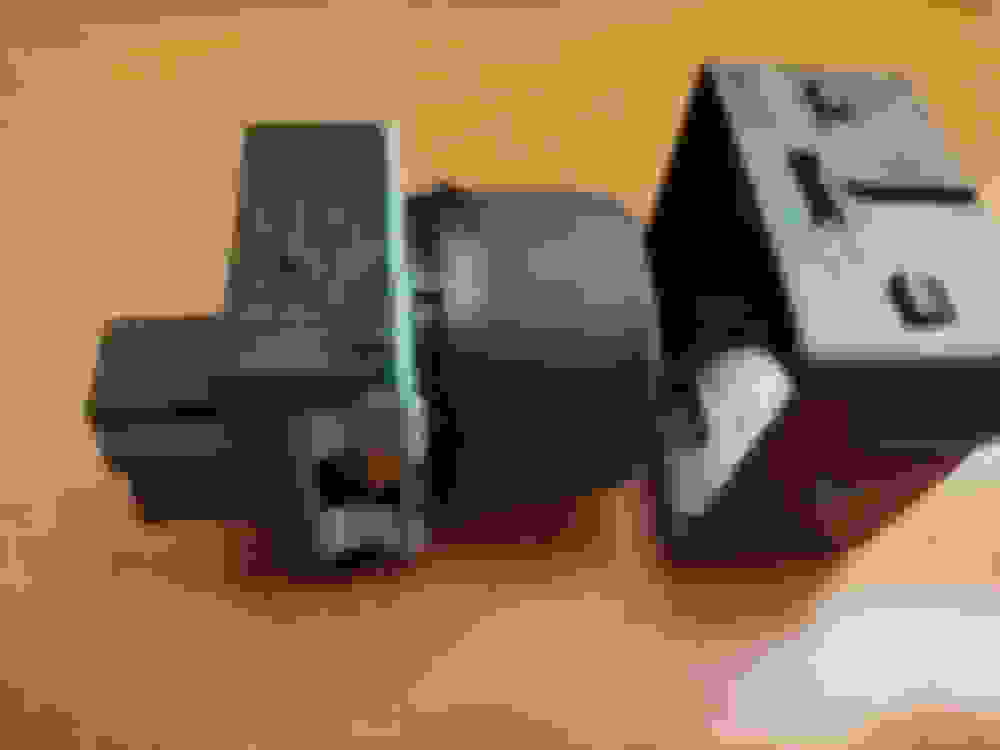
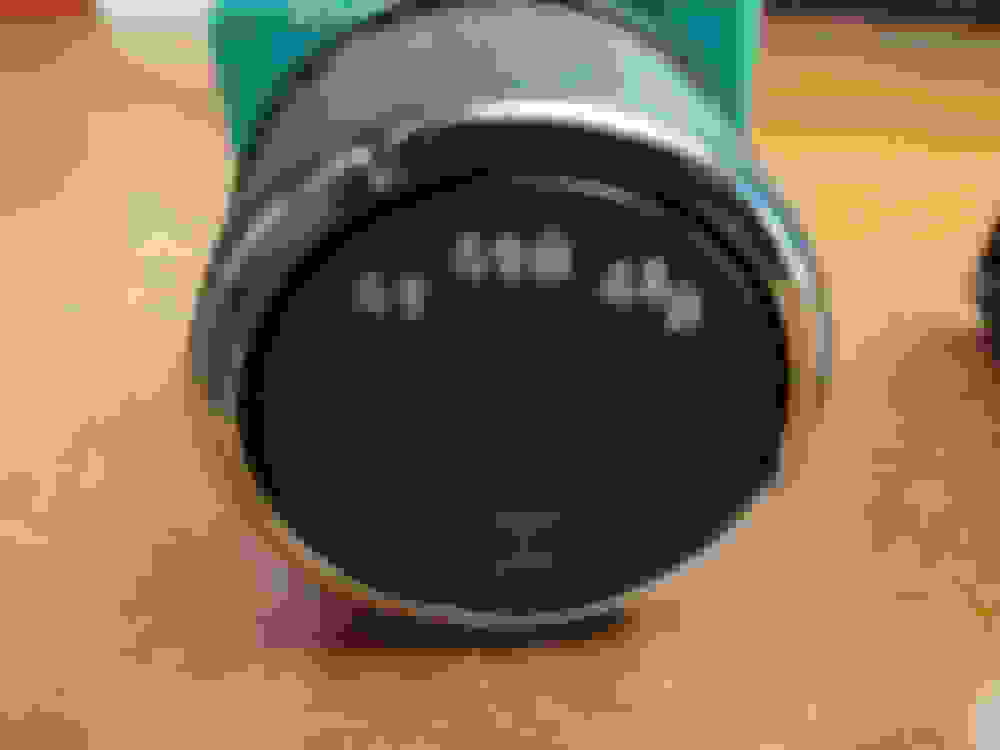
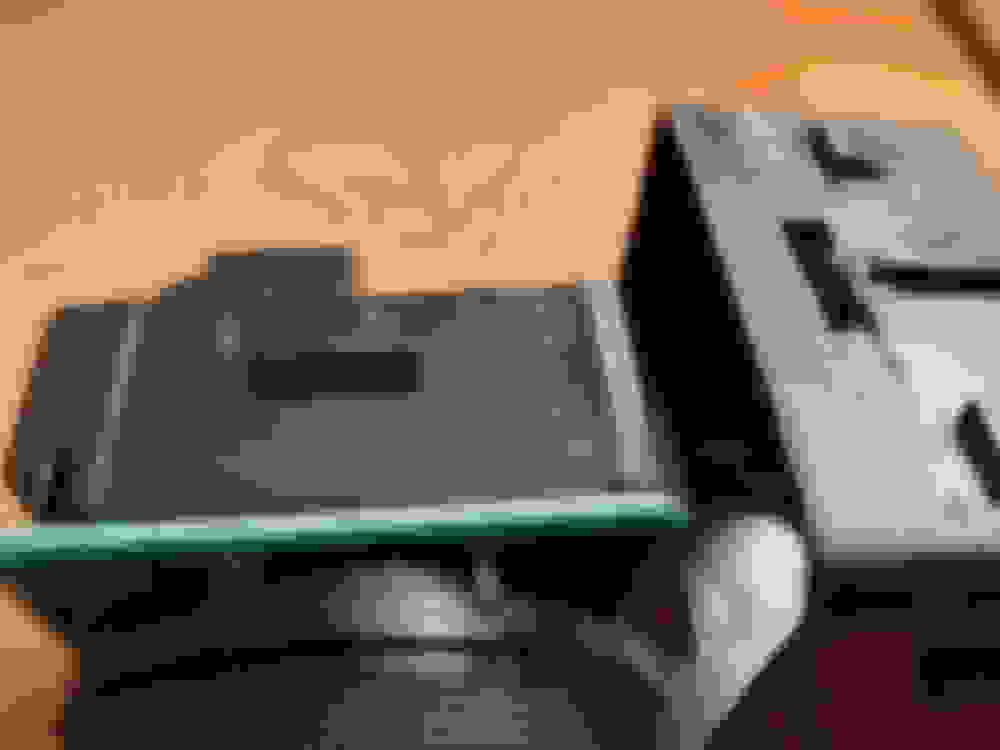
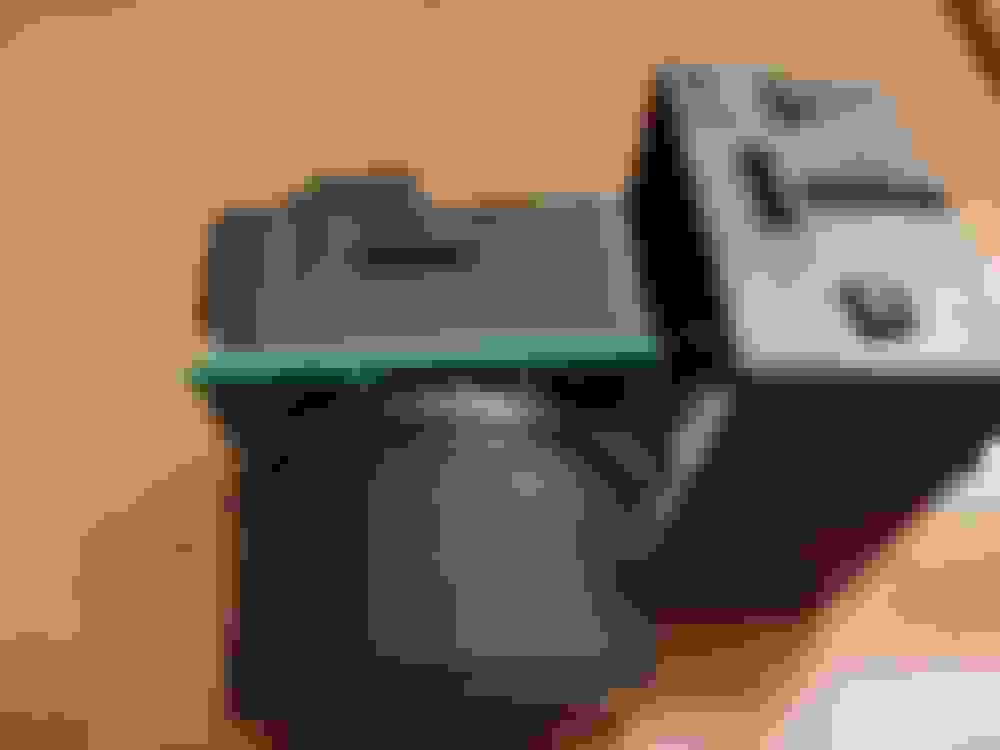
This is why the VIN # is important. That is the correct part #. But the 09 looks like this. This is my old one.
Also If you get two flat blade small screw drivers and wedge them in the plastic release tabs you can pull the back off. Then get you some ELECTRONIC CONTACT CLEANER .... not just a cleaner but a Contact cleaner enhandcer like this
. I've been using this stuff for years on Pro Audio Mixing consoles when I worked for Yamaha Pro Audio.
Squirt this gack in the **** side between the **** and green circuit board. This will wash the contacts and clean and enhance the conductivity. Work it around and it should renew the switch. The contact trace is printed on the circuit board. Also forgot to add squirt some in the rear green circuit board, there are also a set of moving contacts in there. AND..THERE IS A SMALL METAL BAR THAT RUNS ACROSS THE FRONT AND ACTS TO GIVE YOU A SPRING TENSION FEEL.. IT HAS A HABIT OF FALLING OUT....YOU CAN SEE IT WHEN YOU LOOK AT THE END WITH THE RIBBON CABLES. ONE END WILL STICK OUT OVER THE END OF THE HOUSING.
This is why the VIN # is important. That is the correct part #. But the 09 looks like this. This is my old one.
Also If you get two flat blade small screw drivers and wedge them in the plastic release tabs you can pull the back off. Then get you some ELECTRONIC CONTACT CLEANER .... not just a cleaner but a Contact cleaner enhandcer like this https://www.amazon.com/Hosa-D5S-6-De...003658380&th=1 . I've been using this stuff for years on Pro Audio Mixing consoles when I worked for Yamaha Pro Audio.
Squirt this gack in the **** side between the **** and green circuit board. This will wash the contacts and clean and enhance the conductivity. Work it around and it should renew the switch. The contact trace is printed on the circuit board.
rubbing alcohol works too. They’re 95% the same thing. One’s just a rip off.